AI Prompt Generator
Shape a short brief into an editable instruction with a defined goal, audience, context, constraints, and response format.
 AI Prompt Hub
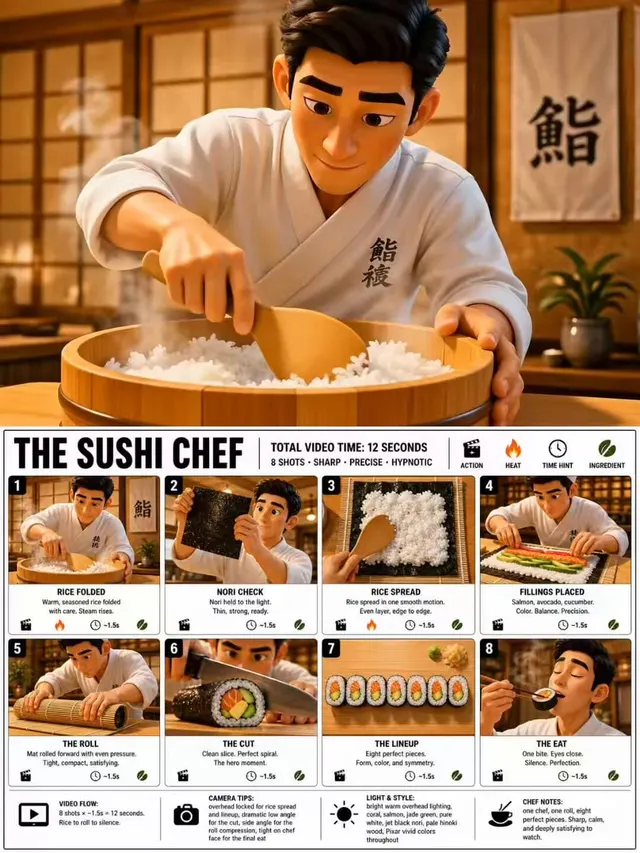
Plan an AI video shot with explicit action, camera direction, timing, lighting, and continuity before you generate.
Continue with a related generator, checker, converter, or writing tool in the same workspace.
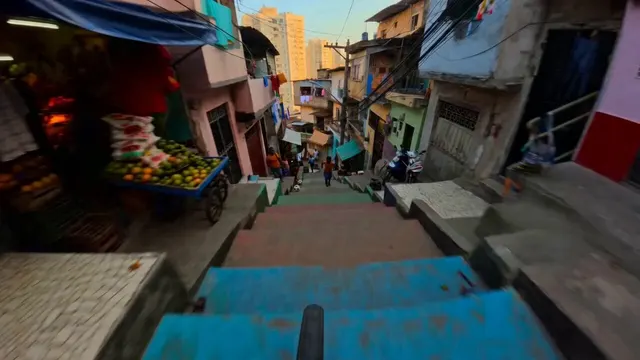
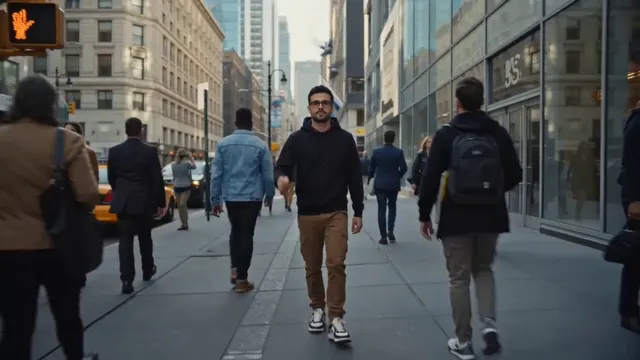
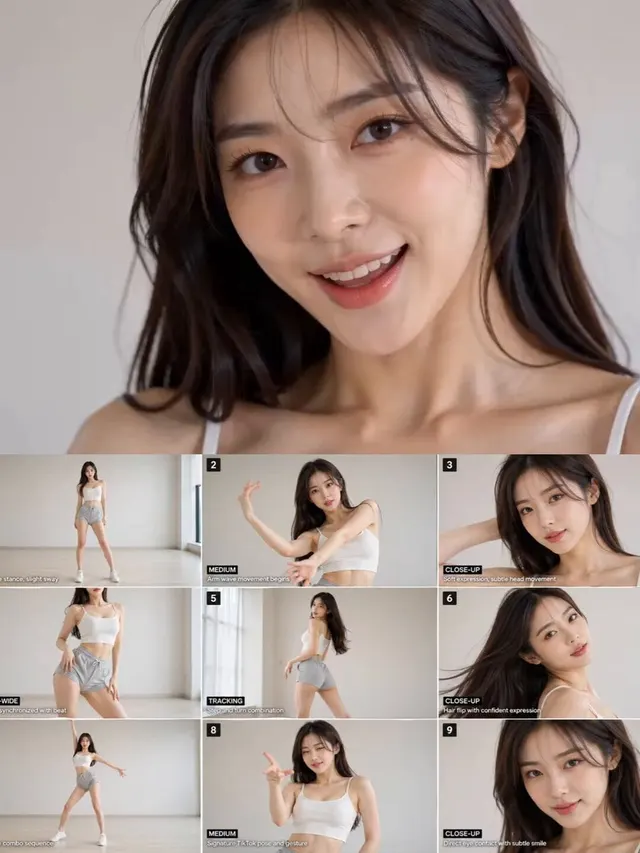
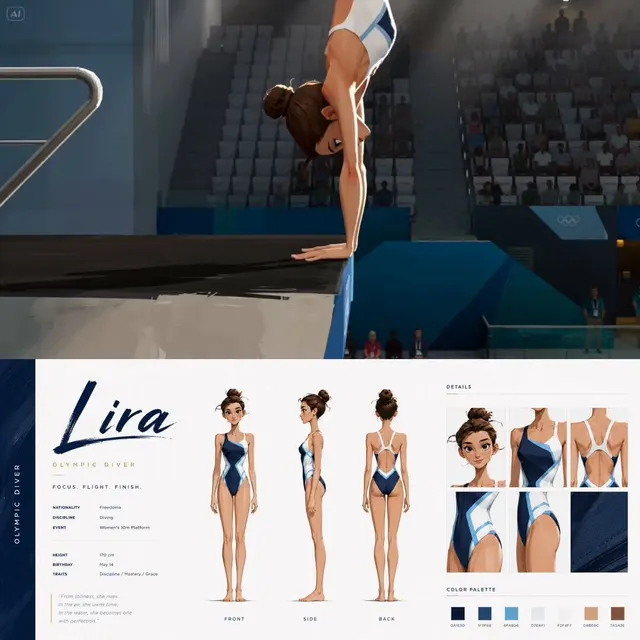
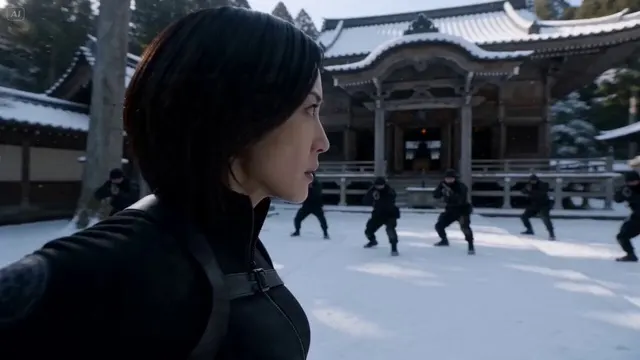
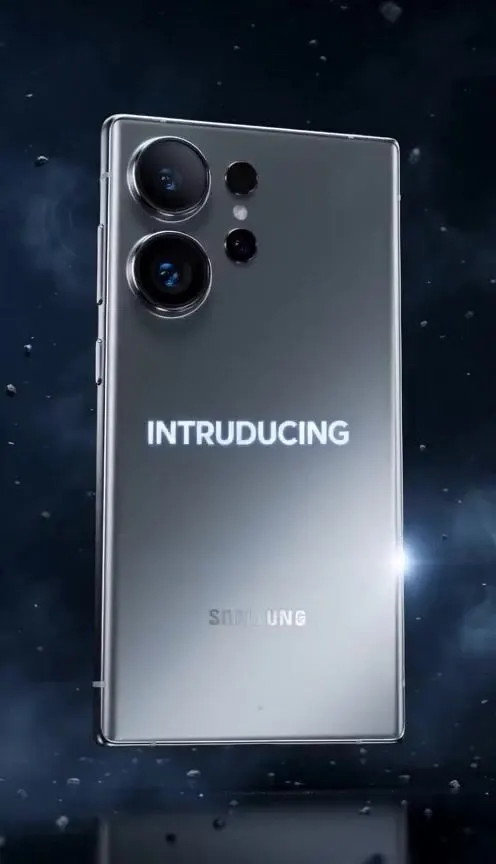
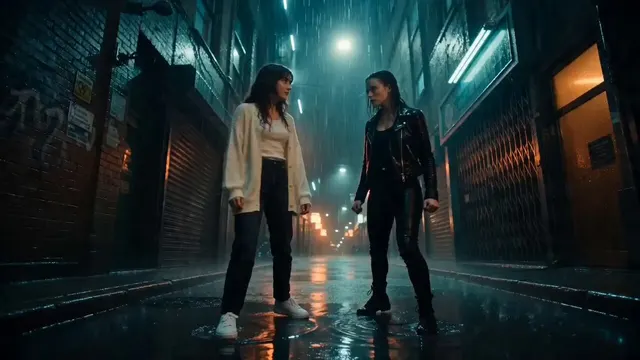
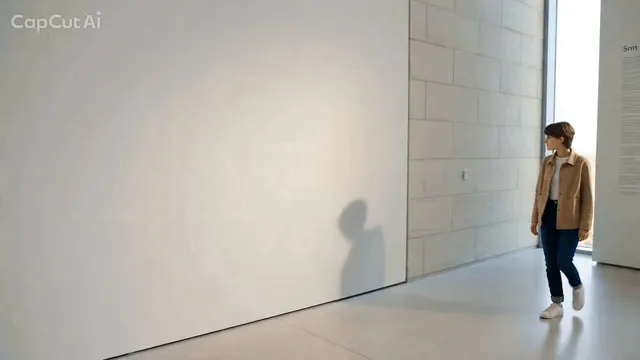
Use it for cinematic shots, product reveals, social clips, character motion, transitions, and environmental sequences. A structured shot description can be adapted for Veo, Seedance, Runway, Kling, or another video model.
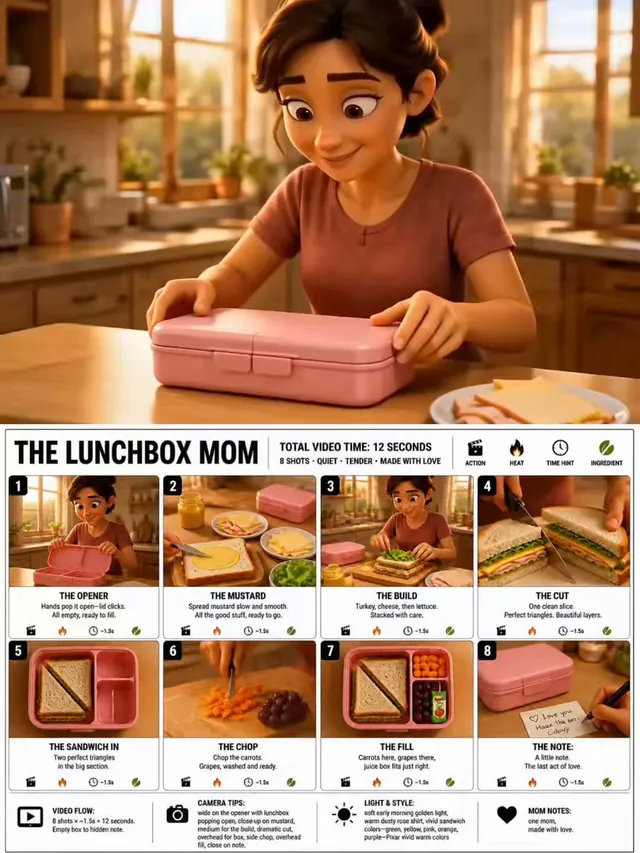
State the opening composition, the action that unfolds, the camera path, the speed of change, and what must stay consistent. A time-based description is more useful than listing visual adjectives alone.
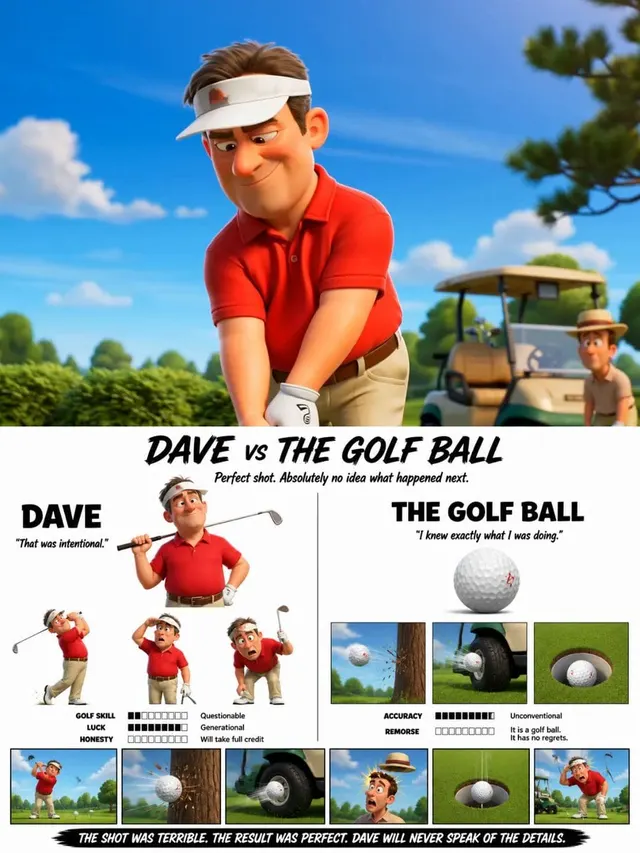
Use one clear subject and a small number of related actions. Split a complex sequence into shots when it requires a new camera position, location, or continuity state.
Duration, aspect ratio, seed, motion strength, reference frames, audio, and negative prompts vary by model. Copy the descriptive plan first, then configure these controls where the video generator supports them.
Describe the shot, review the motion plan, and set platform-specific controls after copying.
Turn one clear input into a usable draft or analysis without assembling a multi-step prompt by hand.
A dedicated form keeps the task, constraints, and expected output easier to inspect.
Copy the output, compare it with the source, and revise it for the audience or model that will use it.
Use the descriptive prompt with Veo, Seedance, Runway, Kling, or a similar video model, then set duration, aspect ratio, references, and other controls inside that platform.
Move from source material to a reviewed result in three short steps.
State the job to be done and include the audience, context, or constraints the tool should preserve.
Turns a scene idea into timed direction that a video model can interpret.
Compare the output with your intent, correct important details, then copy only the version you want to reuse.
Key details about preparing input, reviewing output, account history, and daily access for AI Video Prompt Generator.
Provide the source material, run one focused task, and keep control of the final edit.